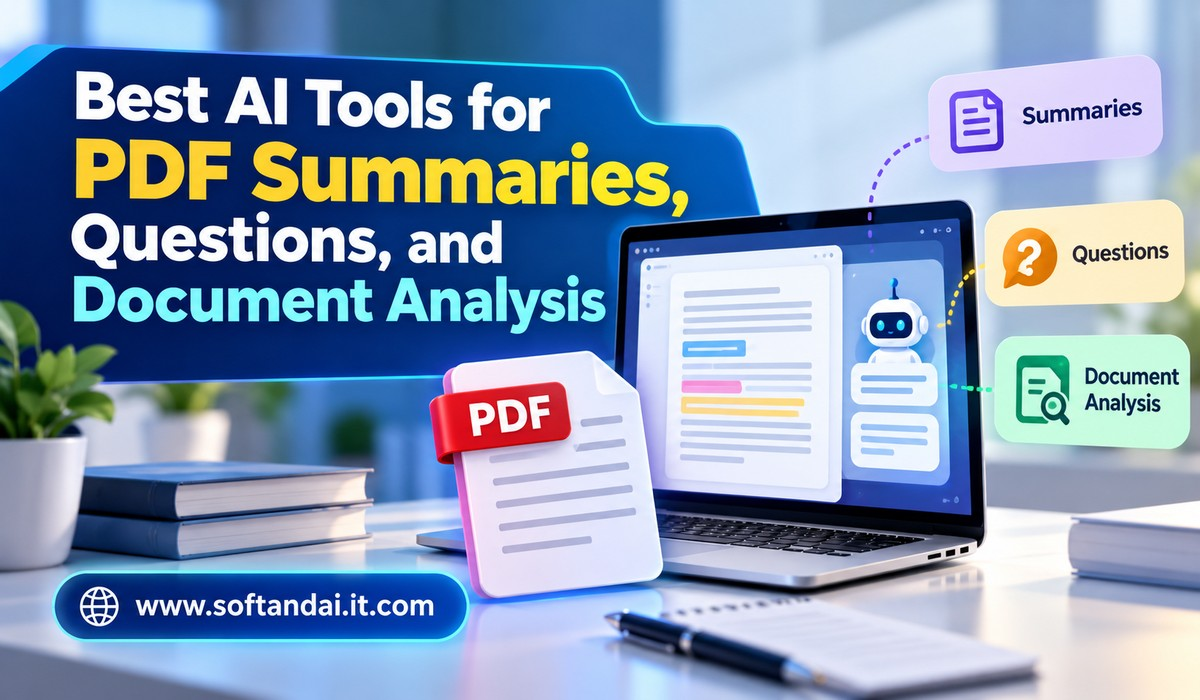
PDF files are used everywhere, from education and business to research and everyday office work. Students read study materials, employees review company reports, business owners check agreements, and researchers work with long documents. However, reading and understanding every page can take a lot of time. Some PDF files contain hundreds of pages, making it difficult to find important information quickly.
Artificial intelligence has made working with PDF files much easier. Today, several AI tools can read documents, create short summaries, answer questions, explain difficult sections, and help users understand important details. Instead of searching through an entire document manually, users can upload a PDF and ask questions in simple language.
These tools are useful for people who regularly work with reports, books, research papers, contracts, invoices, and other documents. They can save time and make information easier to understand. However, not every AI tool offers the same features. Some are better for summarising long documents, while others are more useful for asking questions or reviewing several files.
In this article, we will explore the best AI tools for PDF summaries, questions, and document analysis, their main features, and how to choose the right one for your needs.
Why AI Tools Are Useful for PDF Documents
Reading a long PDF can become difficult when you only need a few important details. For example, imagine receiving a 100-page business report and needing to understand its main findings before a meeting. Reading the complete report may take several hours. An AI tool can help create a shorter explanation that covers the most important information.
Another advantage is the ability to ask questions directly. Traditional PDF readers allow users to search for words, but they cannot always explain the meaning of a paragraph or connect information from different sections. AI-powered tools can understand questions written in everyday language and provide answers based on the uploaded document.
These tools can also explain difficult terms, compare information, identify important points, and help users prepare notes. This makes them useful for students, teachers, office workers, researchers, and business professionals.
However, AI-generated answers should always be checked against the original document, especially when dealing with financial, legal, medical, or other important information.
Best AI Tools for PDF Summaries, Questions, and Document Analysis
1. ChatGPT
ChatGPT is one of the most useful AI tools for working with PDF documents. Users can upload supported PDF files and ask questions about their contents. The tool can explain information, create summaries, extract important details, and help users understand complicated sections.
One of its biggest advantages is its simple conversation style. Users do not need special commands or technical knowledge. They can ask questions such as, “Explain this report in simple language,” “Summarise the main findings,” or “What are the important points in this agreement?”
ChatGPT can also help turn information from a PDF into meeting notes, study material, questions and answers, or a short explanation. This is particularly useful for students who want to understand educational documents and professionals who need to review business reports.
Another helpful feature is its ability to follow additional instructions. After receiving a summary, users can request a shorter version, a detailed explanation, or clarification of a particular section.
However, available file features and usage limits can depend on the ChatGPT plan. Users should also verify important information with the original PDF.
2. Google NotebookLM
Google NotebookLM is a useful tool for people who work with several documents and want to understand information from them. It allows users to add sources such as PDF files, website links, and other supported materials.
After uploading documents, users can ask questions and receive answers based on the provided sources. NotebookLM also helps create summaries and study materials from uploaded information.
One reason this tool is popular among students and researchers is that it can connect information across different sources. For example, a student working with five research papers can ask about common findings or differences between the documents.
NotebookLM also provides source references that help users locate the information behind an answer. This makes it easier to check whether the response matches the original material.
It can be useful for preparing research notes, understanding academic papers, reviewing reports, and organising information for projects. Its study-focused features make it a strong choice for people who regularly work with large amounts of written information.
3. Adobe Acrobat AI Assistant
Adobe Acrobat is widely used for opening, editing, and managing PDF documents. Its AI Assistant adds another useful way to understand and work with files.
Users can ask questions about PDF content, receive short summaries, and find important information without reading every page manually. This is particularly useful when reviewing business documents, reports, presentations, and lengthy agreements.
For example, someone reviewing a company report can ask the AI Assistant to explain its main findings. A user reading a long document can request a summary of a particular section instead of going through the complete file.
The tool is also helpful because it works within Adobe’s PDF environment. Users who already use Acrobat for their daily document work may find it convenient to use AI features without moving between different applications.
Some features may require a paid subscription or have usage restrictions depending on the plan and location. It is worth checking the current pricing before choosing it for regular work.
4. Smallpdf AI PDF
Best for quick PDF summaries and simple document tasks
Smallpdf offers several online tools for managing PDF files. Its AI-powered features make it easier to understand long documents and work with their content.
Users can upload supported documents and use AI features to create summaries or ask questions. This can be helpful when dealing with lengthy reports, educational materials, and business documents.
Smallpdf is also known for its simple interface. People who do not have much technical knowledge can generally understand how to use its document tools without spending too much time learning the platform.
Apart from AI features, Smallpdf provides other PDF services, including document conversion, compression, editing, and merging. This makes it useful for people who need more than just document summaries.
The free and paid features may differ, so users should review the available limits before relying on the platform for regular work.
5. Humata AI
Humata AI is designed to help users understand information inside documents. It allows users to upload supported files and ask questions about their contents.
The platform can provide answers based on the uploaded material, making it useful for researchers, students, and professionals who regularly review detailed documents.
For example, a researcher can upload an academic paper and ask about its main argument, research methods, or findings. A business professional can upload a report and ask about important figures or conclusions.
Humata AI is particularly useful when users want direct answers instead of reading an entire document. It can also help explain difficult sections in simpler language.
As with other AI tools, users should check the original document before using important answers in research or professional work. Pricing and document limits should also be reviewed before selecting a plan.
6. AskYourPDF
AskYourPDF is another useful option for people who want to ask questions about PDF files. Instead of searching manually through different pages, users can upload a supported document and interact with it through a chat interface.
The tool can help users understand the main ideas, find specific information, and receive explanations of selected sections. It can be useful for students reviewing textbooks, professionals checking reports, and readers working with long documents.
For example, a student can upload a chapter and ask the tool to explain an important topic. Someone reviewing a business document can ask about specific terms or request a summary of the main points.
AskYourPDF also offers features beyond basic PDF conversations, although access may depend on the selected plan.
Its main advantage is the straightforward way it allows users to interact with documents. However, users should check whether the available file size and usage limits are suitable for their requirements.
7. Claude
Claude is an AI assistant developed by Anthropic. It is useful for reading documents, explaining complex information, and creating detailed summaries.
Users can upload supported PDF files and ask questions about their content. Claude can help explain long reports, identify important arguments, compare information, and rewrite complicated paragraphs in simpler language.
It can be particularly helpful when working with documents that contain detailed explanations. For example, a business owner can upload a market research report and ask for an easy-to-understand overview of its findings.
Students can also use Claude to understand academic material, prepare revision notes, and explore difficult subjects.
One useful approach is to ask the tool to explain a document section by section. This can make long documents easier to understand without losing important details.
Available features and file limits depend on the selected plan. Users should also verify important answers rather than treating AI responses as completely accurate.
8. Foxit PDF Editor with AI Assistant
Foxit PDF Editor is another option for users who regularly handle professional documents. Its AI-related features can help users understand PDF content, create summaries, and find information more easily.
The platform combines PDF management with AI assistance. This is useful for people who need to review documents and make changes within the same software.
For example, office employees can use it to understand long reports, while business teams can review documents and find relevant information more quickly.
Foxit also offers tools for editing, organising, converting, and protecting PDF files. This makes it suitable for workplaces where PDF documents are part of everyday activities.
However, users should compare the available AI features and subscription plans before choosing Foxit as their main document tool.
How to Choose the Right AI Tool for PDF Analysis
Choosing the right tool depends on the type of documents you work with and what you want to achieve. Someone who only needs short summaries may not require advanced document features. However, a researcher working with several academic papers may need a tool that can understand multiple sources and provide references.
If you want a general AI assistant for different types of work, ChatGPT and Claude are worth considering. If your main goal is studying information from several documents, NotebookLM is a useful choice. People who regularly edit PDF files may prefer Adobe Acrobat or Foxit.
You should also consider ease of use. A good tool should allow you to upload a document, ask questions, and understand the answers without complicated steps.
Privacy is another important factor. Before uploading documents, check how the service handles uploaded files and user information. Avoid uploading confidential business records, personal identification documents, financial statements, or sensitive agreements unless you are comfortable with the platform’s privacy terms and your organisation permits it.
Pricing is also worth checking. Some platforms provide limited free access, while others require paid subscriptions for advanced features. Compare file size limits, monthly usage restrictions, and available services before spending money.
How to Get Better Results from AI PDF Tools
The quality of an AI response often depends on the questions you ask. Instead of writing something very general, explain exactly what information you need.
For example, rather than asking, “Tell me about this PDF,” you can ask, “Summarise this document in simple language and explain its three most important findings.”
You can also request explanations for specific sections. If a paragraph is difficult to understand, ask the tool to rewrite it using everyday words. If you are studying, ask it to create questions based on the document to help you prepare for an examination.
Another useful approach is to request page references or supporting sections whenever the tool offers them. This helps you check the answer against the original information.
Most importantly, do not depend entirely on AI-generated summaries. AI tools can misunderstand information, miss important details, or sometimes provide incorrect answers. Always check important facts, figures, dates, and statements in the original document.
Benefits of Using AI for Everyday Document Work
AI PDF tools can make everyday document work faster and more convenient. Students can understand lengthy study materials without spending hours searching for explanations. Teachers can prepare learning notes and questions from educational documents.
Office employees can review reports, understand company documents, and prepare meeting notes more efficiently. Business owners can use these tools to understand proposals, compare reports, and find important details in documents.
Researchers can also benefit from asking questions about academic papers and comparing information from different sources. Instead of manually searching through every page, they can use AI to find relevant sections and understand the main ideas.
However, these tools are meant to support human work, not replace careful reading and decision-making. Human judgement remains important, especially when documents contain information that could affect money, legal responsibilities, or important business decisions.
Frequently Asked Questions (FAQs)
1. Which is the best AI tool for summarising PDF files?
ChatGPT, Google NotebookLM, Claude, and Adobe Acrobat AI Assistant are useful options. The best choice depends on your document type, preferred features, and budget.
2. Can AI tools answer questions from PDF documents?
Yes. Many AI tools allow users to upload PDF files and ask questions about their contents. They can explain sections, find information, and provide answers based on the available document content.
3. Are AI PDF summarising tools free?
Some tools provide free access with certain limitations. Others offer paid subscriptions for additional features, larger documents, or higher usage limits. Always check their current pricing.
4. Can AI tools analyse multiple PDF files together?
Yes. Some platforms, particularly Google NotebookLM and other document-focused AI tools, support working with multiple sources. The number and type of files supported depend on the platform and subscription.
5. Are AI-generated PDF summaries always accurate?
No. AI tools can sometimes misunderstand information, miss important details, or produce incorrect answers. Users should check important information against the original PDF before relying on it.
Conclusion
AI tools have changed the way people read, understand, and manage PDF documents. Tasks that once required hours of manual reading can now be completed more quickly with the help of document summaries, question-answering features, and simple explanations.
Tools such as ChatGPT, Google NotebookLM, Adobe Acrobat AI Assistant, Smallpdf, Humata AI, AskYourPDF, Claude, and Foxit provide different ways to work with PDF files.
There is no single tool that is perfect for everyone. Students may prefer tools that help with learning and research, while office employees may need software that supports everyday document management. The best approach is to choose a tool based on your actual requirements, available budget, and privacy needs.
AI can make document work easier, but checking the original information remains important. When used carefully, these tools can save time, improve understanding, and make working with long PDF documents much more convenient.