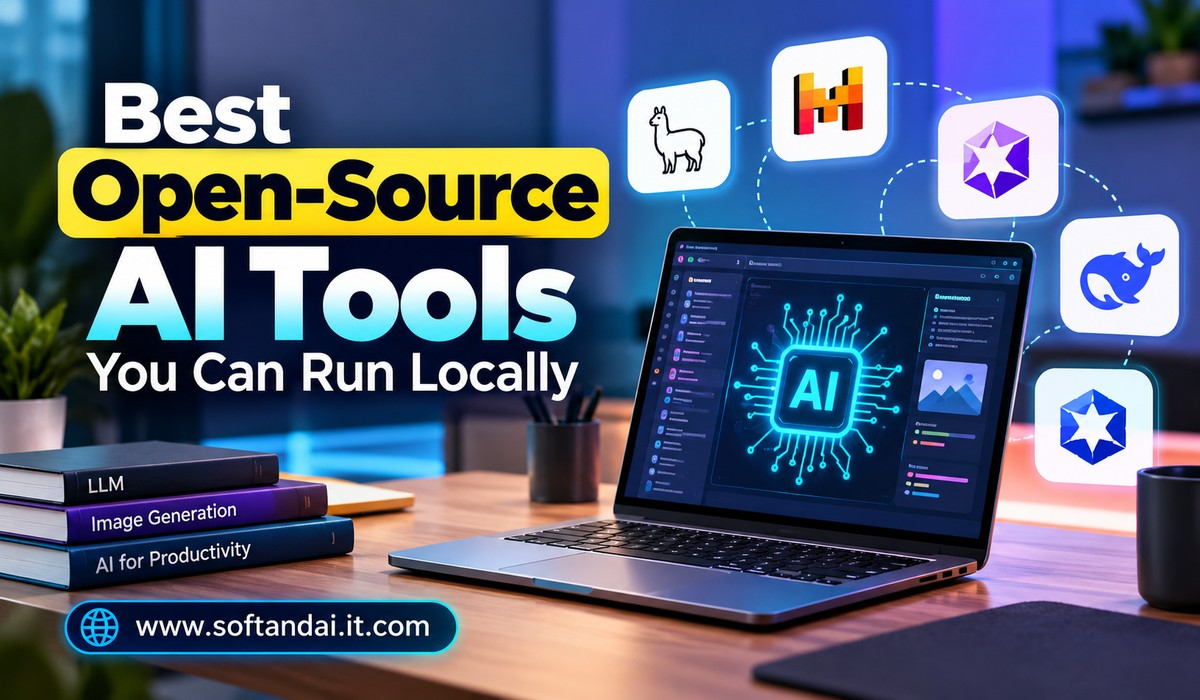
Artificial intelligence has become an important part of everyday life. People use AI tools to write articles, create images, answer questions, write computer code, summarize documents, and complete many other tasks. Most popular AI services work through websites or mobile applications and require an internet connection. However, there is another option that is becoming increasingly popular: running AI tools directly on your own computer.
Local AI tools allow users to work with artificial intelligence without sending every request to an online service. Many of these tools are open-source, which means their source code is publicly available for people to study, use, and improve under their respective licences. They offer more control over how AI works and where personal information is stored.
Running AI locally can also reduce the need for paid subscriptions. Once the software and required AI models are installed, users can perform many tasks without paying for every request. However, some models require powerful computers, and not every tool is completely free for all types of use.
If you want to explore artificial intelligence beyond online chatbots, several useful options are available. In this article, we will look at the best open-source AI tools you can run locally, what they can do, and how to choose the right one for your needs.
What Does Running AI Locally Mean?
Running AI locally means installing AI software and its models on your own computer instead of depending entirely on a website or cloud service. When you ask a question, generate an image, or request help with a document, your computer processes the request using the installed model.
For example, imagine that you want an AI assistant to help you write an article. Instead of opening an online chatbot, you can open a locally installed AI application and enter your question. The software uses a model stored on your computer to generate an answer.
One of the biggest advantages of this approach is privacy. Your information can remain on your device rather than being sent to an outside service. This can be useful when working with private notes, business documents, personal projects, or other information that you do not want to share online.
Local AI can also be useful when your internet connection is slow or unavailable. Once the software and model have been downloaded, many tools can continue working offline.
However, local AI is not automatically better than online AI. Its speed and quality depend on your computer, the model you choose, and the task you want to complete.
Ollama: An Easy Way to Run AI Models Locally
Ollama is one of the most popular tools for people who want to run AI models on their own computers. It makes installing and managing different AI models much easier, even for users who do not have much technical experience.
Instead of manually setting up every part of an AI model, Ollama provides a simpler way to download and run supported models. Users can choose from different models designed for writing, general questions, coding, and other tasks.
Ollama supports several operating systems, including Windows, macOS, and Linux. After installation, users can download a model and interact with it through a command-line interface. It can also work with other applications that provide a graphical interface, making the experience more comfortable for beginners.
Another useful feature is that Ollama supports different model sizes. This means users can select a smaller model for a computer with limited memory or choose a larger model when they have more powerful hardware.
Ollama is particularly useful for developers, writers, students, and people who want to experiment with local AI without building everything from the beginning.
Its official website is ollama.com.
LM Studio: A Simple Desktop AI Experience
LM Studio is a desktop application that makes running AI models locally easier through a visual interface. Unlike tools that mainly depend on typing commands, LM Studio allows users to search for models, download them, and start conversations through a familiar application window.
This makes it a good choice for people who want to explore local AI without spending too much time learning technical instructions.
After installing the application, users can browse supported AI models and select one that matches their computer’s capabilities. Once downloaded, the model can be loaded and used for conversations, writing assistance, and other supported tasks.
LM Studio also provides options for managing model settings and connecting local models to compatible applications.
One of its biggest advantages is convenience. Users can manage several models from one place and switch between them when needed. For example, someone may use one model for general questions and another for programming assistance.
LM Studio is available for major desktop platforms. However, users should check its current licence and individual model licences before using it for business purposes.
Its website is lmstudio.ai.
GPT4All: A Private AI Assistant for Your Computer
GPT4All is another useful option for people who want to use AI without depending on online chatbot services. It is designed to make local AI more accessible to everyday computer users.
GPT4All allows users to download supported AI models and interact with them through a desktop application. It can be useful for writing, answering questions, learning new topics, and working with personal information.
One interesting feature is its ability to work with local documents. Depending on the setup and supported features, users can ask questions about information stored in their own files. This can make it easier to understand lengthy documents without uploading them to an online service.
For example, a student can use it to explore study notes, while an office worker can use it to search through saved documents.
The main advantage of GPT4All is that it focuses on making private, locally managed AI assistance easier to use. However, the quality of its answers depends on the selected model and the available computer resources.
Its official website is gpt4all.io.
Open WebUI: Create Your Own AI Chat Interface
Open WebUI is an open-source application that provides a convenient chat interface for locally running AI models.
It is especially useful for people who want an experience similar to popular online AI chat services but prefer to manage their own AI setup.
Open WebUI can connect with Ollama and other supported services. This allows users to communicate with installed models through a clean and familiar chat window.
It also supports useful features such as conversation history, file-related workflows, and model management. Depending on the configuration, users can set up an AI environment for personal use or make it available to other authorised users on a private network.
For example, a small business can create an internal AI assistant that helps employees find information and understand documents. This can reduce the need to use several separate online services.
Open WebUI is a good choice for users who want more control over their AI experience. However, installation and configuration may require some technical knowledge.
Its official website is openwebui.com.
Stable Diffusion: Create Images Using AI
Stable Diffusion is one of the best-known AI image-generation technologies. It allows users to create images from written descriptions and experiment with different visual styles.
For example, you can enter a description of a modern office, a beautiful landscape, a product advertisement, or a digital illustration. The model then creates an image based on your instructions.
One reason Stable Diffusion became popular is that it can be installed and run locally using compatible software. This gives users greater control over image creation and reduces their dependence on paid online image-generation services.
Several applications make Stable Diffusion easier to use. AUTOMATIC1111’s Stable Diffusion WebUI is a popular interface that provides many image-generation controls. ComfyUI offers a different approach, allowing users to build image-generation workflows by connecting different operations.
Stable Diffusion can be useful for designers, bloggers, digital artists, marketers, and people who regularly need visual content.
However, image generation can require significant computer resources. A dedicated graphics card with enough memory can make the process faster and more comfortable.
Users should also check the licence of the particular model they download, especially when creating images for commercial projects.
ComfyUI: More Control Over AI Image Creation
ComfyUI is an open-source tool designed for people who want more control over how AI images are created.
It works differently from simple image-generation applications. Instead of entering a description and receiving an image immediately, users create workflows by connecting different steps.
These workflows can control how a model processes an image, applies changes, and produces the final result.
ComfyUI supports several image-generation models and can be used for more advanced creative tasks. Users can create workflows for text-to-image generation, image editing, and other supported processes.
Although it may look complicated at first, it offers considerable flexibility once users understand how it works.
It is particularly useful for digital artists, designers, and creators who want to build repeatable image-generation processes.
ComfyUI is not necessarily the easiest option for beginners, but it is worth exploring if you want to understand how different AI image tools work together.
Its official website is comfy.org.
Whisper: Convert Speech Into Text
Whisper is an AI speech recognition system developed by OpenAI. It can convert spoken words into written text and supports many languages.
Whisper is useful for people who regularly work with audio recordings, interviews, meetings, lectures, or video content.
For example, a content creator can use Whisper to turn a recorded interview into text. A student can convert a lecture recording into written notes, while a business professional can prepare a written version of a meeting.
One of its biggest advantages is that it can be used locally through compatible applications and implementations. This makes it possible to process recordings on your own computer instead of sending them to an online transcription service.
Whisper also supports speech translation into English, although its translation results should be reviewed for important work.
There are different ways to use Whisper, including command-line tools and desktop applications. Users who want a simpler experience can explore applications that provide a graphical interface.
For anyone working with audio or video, Whisper can save considerable time.
OpenHands: An AI Assistant for Software Development
OpenHands is an open-source project designed to help with software development tasks.
Unlike a basic chatbot that only answers programming questions, OpenHands can work through supported development tasks using tools such as a terminal and code editor environment.
For example, developers can use it to understand an existing project, investigate errors, make code changes, and work on software-related tasks.
It can be connected to different supported AI models, including models that can run locally. However, the exact setup depends on the selected model and the available hardware.
OpenHands can be helpful for developers who want to experiment with AI-assisted programming while maintaining more control over their development environment.
It is important to review the changes made by an AI assistant before using them in a real project. AI-generated code can contain mistakes, security problems, or incomplete solutions.
Its official website is openhands.dev.
Continue: Bring AI Assistance Into Your Code Editor
Continue is an open-source AI coding assistant that works with popular development environments.
It helps developers use AI while writing and understanding computer code. Instead of moving between a code editor and a separate chatbot website, developers can access AI assistance within their existing workflow.
Continue can connect to supported local AI models through tools such as Ollama. This allows developers to experiment with private coding assistance without depending entirely on online AI services.
It can help explain code, suggest changes, answer programming questions, and support other development activities.
For example, a beginner learning Python can ask questions about a particular section of code. An experienced developer can use it to understand an unfamiliar project or explore possible improvements.
The quality of suggestions depends on the selected model. Smaller local models may struggle with complicated programming tasks, while larger models generally need more powerful computers.
Continue is worth considering for developers who want an AI coding assistant with flexible model choices.
Its official website is continue.dev.
How to Choose the Right Local AI Tool
Choosing the right tool depends on what you want to achieve. You do not need to install every application mentioned above. Starting with one tool that solves your main problem is usually a better approach.
If you want a simple way to download and run language models, Ollama is a strong starting point. If you prefer a desktop application with a visual interface, LM Studio may be more comfortable.
People who want a private AI chat experience can explore GPT4All or Open WebUI. Those interested in creating images can start with Stable Diffusion or explore ComfyUI when they want more control.
For audio transcription, Whisper is a practical option. Developers who want AI support while writing code can explore Continue or OpenHands.
Your computer’s hardware is also important. A basic computer may run smaller models, but larger models generally need more memory and processing power. Image generation can require a capable graphics card, especially when working with larger models or high-quality images.
Before downloading anything, check the official website, system requirements, software licence, and model licence. This is particularly important if you plan to use the tools for commercial work.
Advantages of Running AI Locally
The biggest benefit of local AI is control. You decide which models to install, which applications to use, and where your files are stored.
Privacy is another important advantage. When a tool processes information locally, your prompts and files do not need to be sent to an external AI service. However, you should still check whether the application uses any online features or external connections.
Local AI can also reduce ongoing costs. Many tools are free to download, and some models can be used without paying for each request. However, electricity, computer hardware, storage, and other expenses should be considered.
Another advantage is flexibility. Users can try different models and select the ones that work best for their needs. They are not limited to a single AI provider or subscription plan.
Are There Any Disadvantages?
Although local AI has several advantages, it also comes with some limitations.
The first challenge is hardware. Larger AI models can require considerable memory and processing power. If your computer has limited resources, some models may run slowly or may not work properly.
The second challenge is installation. Some applications are easy to set up, while others require additional software and configuration. Beginners may need time to understand how different models work.
The quality of answers is another consideration. Local models are not always as capable as the latest online AI services. They may provide incorrect information, misunderstand questions, or struggle with complex tasks.
Users are also responsible for updating their software, managing downloaded models, and protecting their computers.
Therefore, local AI is best viewed as another useful way to work with artificial intelligence rather than a complete replacement for every online AI service.
Conclusion
Open-source AI tools that run locally are making artificial intelligence more accessible to people who want greater privacy, flexibility, and control. From writing assistance and image generation to speech recognition and software development, there are now several useful options for different needs.
Ollama and LM Studio are good starting points for running language models. GPT4All and Open WebUI provide convenient ways to interact with local AI assistants. Stable Diffusion and ComfyUI are useful for image creation, while Whisper makes audio transcription easier. Developers can explore OpenHands and Continue for AI-assisted programming.
The best approach is to begin with one tool, understand how it works, and experiment with models that match your computer’s capabilities.
As local AI technology continues to improve, more people will be able to use powerful AI applications without depending completely on online platforms. Whether you are a student, blogger, designer, business owner, or developer, learning to use local AI tools can be a valuable step towards becoming more independent in the growing world of artificial intelligence.