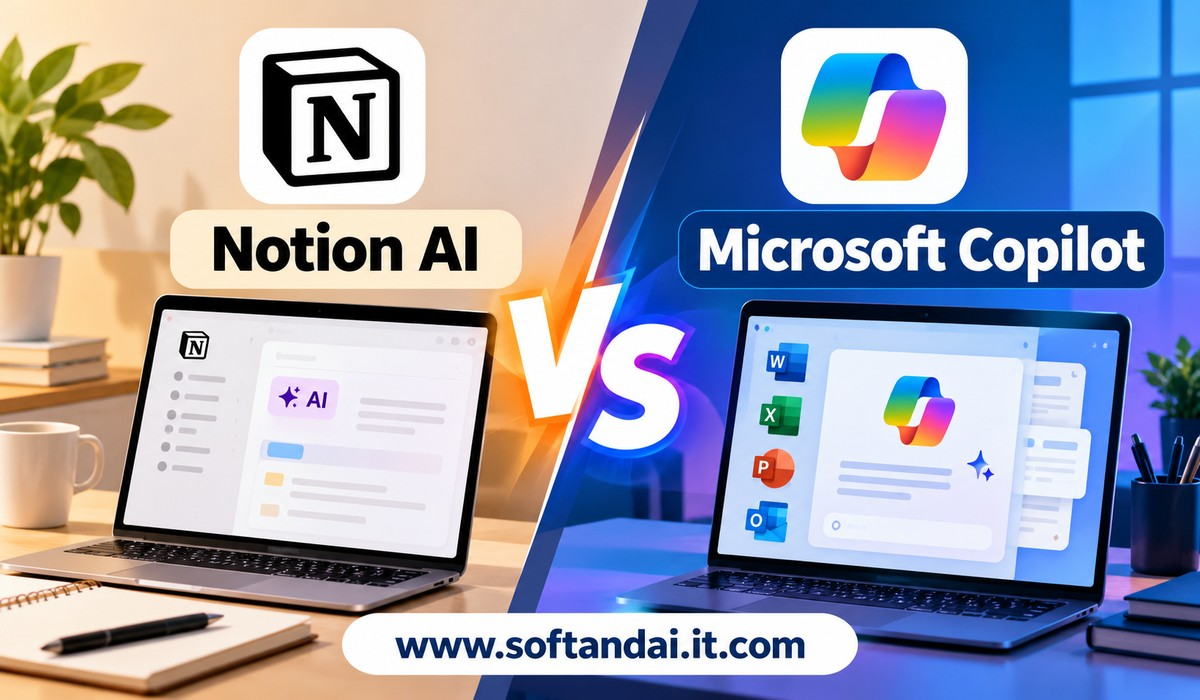
Technology is changing the way people manage their daily work. From writing documents and preparing reports to organising tasks and managing emails, many everyday activities now take less time with the help of artificial intelligence. Two popular tools that are becoming useful for these tasks are Notion AI and Microsoft Copilot.
Both tools help people work faster, organise information and complete tasks with less effort. However, they are designed around different working styles. Notion AI focuses on managing information, creating notes, organising projects and improving teamwork. Microsoft Copilot focuses on helping users complete tasks across familiar Microsoft applications such as Word, Excel, PowerPoint, Outlook and Teams.
Choosing between them can be confusing, especially for students, office workers, business owners, freelancers and people who want to improve their daily productivity. Both offer useful features, but the better choice depends on the type of work you do and the applications you already use.
In this article, we will compare Notion AI vs Microsoft Copilot for everyday productivity, including their features, writing support, task management, ease of use, pricing considerations and practical benefits.
What Is Notion AI?
Notion AI is an artificial intelligence assistant built into the Notion workspace. It helps users create content, organise information, manage projects and find important details without moving between several different applications.
Notion is already popular among people who want one place to manage their notes, documents, plans and daily tasks. With AI features, it becomes more useful because users can ask questions, improve written content, create summaries and organise information more quickly.
For example, imagine that you are planning a new business project. You can use Notion to create a project page, record your ideas, prepare a timeline and track important activities. Notion AI can help you turn rough notes into organised content, prepare project summaries and create useful information for your team.
Another useful feature is its ability to work with information stored in your workspace. Depending on your plan and connected services, it can help you find information from Notion pages and supported connected applications.
Notion AI also supports meeting notes, translations, database creation and content improvement. Its newer Notion Agent can help complete larger tasks by using information available in your workspace.
This makes Notion AI useful for people who regularly work with notes, documents, research and project information.
What Is Microsoft Copilot?
Microsoft Copilot is an AI assistant developed by Microsoft. It helps users complete everyday work across Microsoft applications and services.
Many people already use Microsoft Word, Excel, PowerPoint, Outlook and Teams for their personal and professional activities. Copilot brings AI assistance into these familiar applications, making it easier to complete tasks without changing the way they normally work.
For example, someone preparing a business report in Word can ask Copilot to create a first draft, improve sentences or summarise a long document. A person working with numbers in Excel can use it to understand information, create formulas and identify useful patterns.
Copilot also helps with email management in Outlook. It can summarise long email conversations, prepare replies and improve the tone of messages. In PowerPoint, it can help create presentations from written information. In Teams, it can summarise meetings and highlight important discussions.
Microsoft Copilot is especially useful for people who depend on Microsoft applications throughout their working day. Instead of completing every task manually, they can use AI assistance directly inside the applications they already know.
Notion AI vs Microsoft Copilot: Main Differences
The biggest difference between these tools is how they support everyday work.
Notion AI is built around a central workspace where users can store information, manage projects and organise their activities. It is useful when you want to keep your work connected in one place.
Microsoft Copilot works across Microsoft’s productivity applications. It helps users create documents, understand spreadsheets, prepare presentations and manage communication.
For example, a freelancer managing several clients may prefer Notion AI because it can help organise client details, project updates, deadlines and content plans.
On the other hand, an office employee who spends most of the day preparing Word documents, checking Excel sheets and replying to emails may find Microsoft Copilot more useful.
Both tools can save time, but they solve slightly different productivity problems.
Writing and Content Creation
Writing is an important part of everyday work. Students prepare assignments, employees write reports, business owners create proposals and freelancers regularly produce content for clients.
Notion AI provides writing assistance directly inside Notion pages. Users can generate first drafts, improve sentences, correct grammar, change the tone and summarise existing information.
It is particularly helpful when someone is preparing notes, planning articles or creating documents that need to remain organised with other project information.
Microsoft Copilot also provides strong writing support through Word and other Microsoft applications. Users can ask it to prepare documents, rewrite paragraphs, summarise information and improve the clarity of their writing.
One advantage of Copilot is that it works directly inside Word. People who already use Word for most of their writing can get assistance without learning another writing platform.
Notion AI is more convenient for people who want their writing connected with notes, projects and other workspace information. Microsoft Copilot is more suitable for people who regularly prepare formal documents, business reports and professional presentations.
Task Management and Daily Planning
Managing daily tasks is another important part of productivity. Without proper planning, people can forget deadlines, miss important activities and spend too much time deciding what to do next.
Notion AI is useful for organising daily activities because Notion supports task pages, project boards, calendars and databases. Users can create a personal workspace for their daily responsibilities and use AI to organise information.
For example, a content writer can maintain a monthly content calendar, record article ideas, track writing progress and organise completed assignments. Notion AI can help create task databases and fill in useful information.
Microsoft Copilot supports daily planning through applications such as Outlook, OneNote and Teams. Users can manage their schedules, summarise meetings and organise information related to their work.
Someone who manages appointments and business communication through Outlook may find Copilot particularly helpful.
The main difference is that Notion provides a flexible space for building a complete task management system, while Copilot helps users manage activities through Microsoft’s existing applications.
Working With Spreadsheets and Data
Spreadsheets are commonly used for budgets, sales reports, business records and personal financial planning.
Microsoft Copilot has an advantage in this area because it works with Excel. Users can ask questions about spreadsheet information, get help with formulas and create charts to understand their data.
For example, a small business owner can use Excel to record monthly sales and ask Copilot to help understand changes in revenue. It can also help explain formulas and make spreadsheet work easier for beginners.
Notion AI also supports databases. Users can create databases, organise records, fill in information and get help with formulas.
However, Notion databases and Excel spreadsheets serve different purposes. Notion is useful for organising projects and related information, while Excel is generally more suitable for detailed calculations and working with larger sets of numerical information.
If your everyday work involves calculations, financial reports or sales analysis, Microsoft Copilot is usually the more practical choice.
Meeting Notes and Communication
Meetings often contain important information, but remembering every discussion can be difficult. People may forget decisions, deadlines or tasks assigned during a conversation.
Notion AI offers AI Meeting Notes that can transcribe meetings and create summaries. The notes can be stored in the Notion workspace, making them easier to find later.
Microsoft Copilot supports meeting summaries through Microsoft Teams. It can help users understand important discussions, review meeting highlights and identify action items.
Copilot is particularly useful for organisations that already use Teams for internal communication and online meetings.
For example, after a team meeting, an employee can use Copilot to review the main discussion points instead of reading through every message or trying to remember the entire conversation.
Notion AI is useful when meeting information needs to become part of a larger project workspace. Microsoft Copilot is convenient when meetings and communication already happen through Microsoft Teams.
Ease of Use and User Experience
A productivity tool should make everyday work easier, not create additional confusion. Ease of use is therefore an important factor when comparing Notion AI and Microsoft Copilot.
Notion offers a clean workspace where users can create pages, organise notes and manage projects. However, beginners may need some time to understand how databases, templates and different workspace layouts function.
Once users become familiar with Notion, they can create a workspace that matches their working style. Notion AI makes this experience easier by helping users generate content and organise information.
Microsoft Copilot may feel more familiar to people who already use Microsoft applications. Word, Excel, PowerPoint and Outlook are widely used, so many users can start working with Copilot without learning an entirely new platform.
However, getting the best results still requires clear instructions. Users need to explain what they want, provide the right information and review the generated content.
Overall, Copilot may be easier for existing Microsoft users, while Notion AI offers greater flexibility for people who want to build a personalised workspace.
Pricing and Subscription Considerations
Pricing is another important factor when choosing between Notion AI and Microsoft Copilot.
Both products offer different plans and levels of access. The available features can depend on whether you are using a personal account, a business account or an organisation’s subscription.
Notion AI is available as part of eligible paid plans, particularly Business and Enterprise. Free and Plus users may receive limited complimentary AI responses, while some advanced features and higher-use models have additional requirements.
Microsoft Copilot also has different access levels. Some Copilot features are available through eligible Microsoft 365 subscriptions, while more advanced business features may require an additional licence.
The important thing is to understand what is already included in your current subscription before paying for another service.
For example, if you already use Microsoft 365 for Word, Excel and PowerPoint, check which Copilot features are available with your plan. Similarly, if your team already uses Notion, check the AI features included in its subscription.
Prices and included features can change, so checking the official pricing pages before purchasing is a sensible decision.
Privacy and Handling Work Information
Privacy is important when using AI tools for personal or professional work. Users may work with business documents, customer details, financial information and private conversations.
Notion and Microsoft provide account settings and business controls to help organisations manage access to information. However, users should understand the privacy conditions of their chosen plan.
Notion AI can use information from the workspace and connected applications when the relevant features are enabled. Its responses are based on information that the user has permission to access.
Microsoft Copilot can use information available through supported Microsoft applications and organisational accounts, depending on the licence and settings.
Users should avoid entering passwords, private customer information or confidential business details into AI tools without understanding the applicable data protection rules.
Businesses should also check their organisation’s policies before allowing employees to use AI features with sensitive documents.
Which Tool Is Better for Students, Freelancers and Businesses?
The right choice depends on how different people organise their everyday responsibilities.
Students may find Notion AI useful for maintaining study notes, organising subjects, planning assignments and collecting research. It provides a flexible place to keep learning materials organised. Microsoft Copilot can be more useful when preparing assignments in Word, creating presentations or working with numerical information in Excel.
Freelancers may prefer Notion AI when managing multiple clients, planning projects and organising content. Its workspace can help keep different activities connected. Copilot is a strong option for freelancers who prepare professional documents, communicate through Outlook and create presentations for clients.
Small business owners can benefit from both tools. Notion AI can help manage internal information, project plans and business notes. Microsoft Copilot can support document preparation, spreadsheet work, email management and meetings.
For larger organisations, the decision should also consider existing software, employee habits, security requirements and subscription costs.
Can You Use Notion AI and Microsoft Copilot Together?
Yes, using both tools together can be a practical approach.
There is no need to choose only one if your work requires different types of productivity support. You can use Notion AI to organise projects, maintain notes and manage information while using Microsoft Copilot to prepare documents, analyse spreadsheets and manage emails.
For example, a marketing professional can use Notion to maintain a content calendar and organise campaign ideas. Microsoft Copilot can then help prepare campaign reports in Word or analyse performance information in Excel.
Similarly, a business owner can maintain project records in Notion while using Outlook and Copilot for daily communication.
The important thing is to avoid unnecessary duplication. Each tool should have a clear purpose in your daily routine.
Final Thoughts
Notion AI vs Microsoft Copilot for everyday productivity is not simply a comparison of two AI assistants. It is a comparison of two different ways of managing daily work.
Notion AI is a strong choice for people who want to organise information, manage projects, maintain notes and create a connected workspace. It is especially useful for students, freelancers, content creators and teams that handle several ongoing projects.
Microsoft Copilot is a better fit for people who regularly work with Word, Excel, PowerPoint, Outlook and Teams. It can make document preparation, spreadsheet work, presentations and communication easier.
Neither tool is the perfect choice for everyone. Your decision should depend on your daily responsibilities, existing applications and budget.
If you want a flexible workspace for organising your work, Notion AI is worth considering. If you want AI assistance inside familiar office applications, Microsoft Copilot is a practical option.
The best productivity tool is ultimately the one that saves your time, reduces unnecessary work and helps you complete everyday tasks more comfortably.
Frequently Asked Questions
1. Is Notion AI better than Microsoft Copilot?
Notion AI is better for organising notes, managing projects and maintaining information in one workspace. Microsoft Copilot is better for people who regularly use Word, Excel, PowerPoint, Outlook and Teams. The better option depends on your daily work.
2. Can beginners use Notion AI and Microsoft Copilot?
Yes, beginners can use both tools. Microsoft Copilot may feel more familiar to people who already use Microsoft applications. Notion AI may require some time to understand its workspace and database features, but it is useful once users become comfortable with the platform.
3. Which is better for writing content?
Both tools can help with writing. Notion AI is useful for creating notes, organising articles and improving content inside Notion. Microsoft Copilot is useful for preparing professional documents and editing content directly in Word.
4. Can Notion AI replace Microsoft Copilot?
Notion AI can handle many writing, planning and organisation tasks, but it does not replace all Microsoft applications. People who regularly use Excel, PowerPoint and Outlook may still need Microsoft tools for their everyday work.
5. Can I use Notion AI and Microsoft Copilot at the same time?
Yes, you can use both tools together. Notion AI can manage your notes and projects, while Microsoft Copilot can assist with documents, spreadsheets, presentations and emails. Using them for different purposes can make your daily workflow more organised.